 By Mike. Published: . Last updated: .
Drafted with AI assistance. Every price, date and claim was checked against the linked sources on the date shown.
In short
- A 90s-style AI photo is a picture of you, or of a described person, redrawn by an image model such as ChatGPT (OpenAI), the Gemini app’s Nano Banana (Google) or Midjourney as a 1990s snapshot or mall-studio portrait. Read 26 November 2026.
- ChatGPT and the Gemini app can do it free with image limits that are not published as numbers [1][2]. Midjourney has no free trial on its website or in Discord and starts at $10 a month [3][4].
- Your upload may be used for training unless you opt out, and Midjourney images are public by default [5][6][7].
Prices and limits read on 26 November 2026.
What a 90s AI photo is
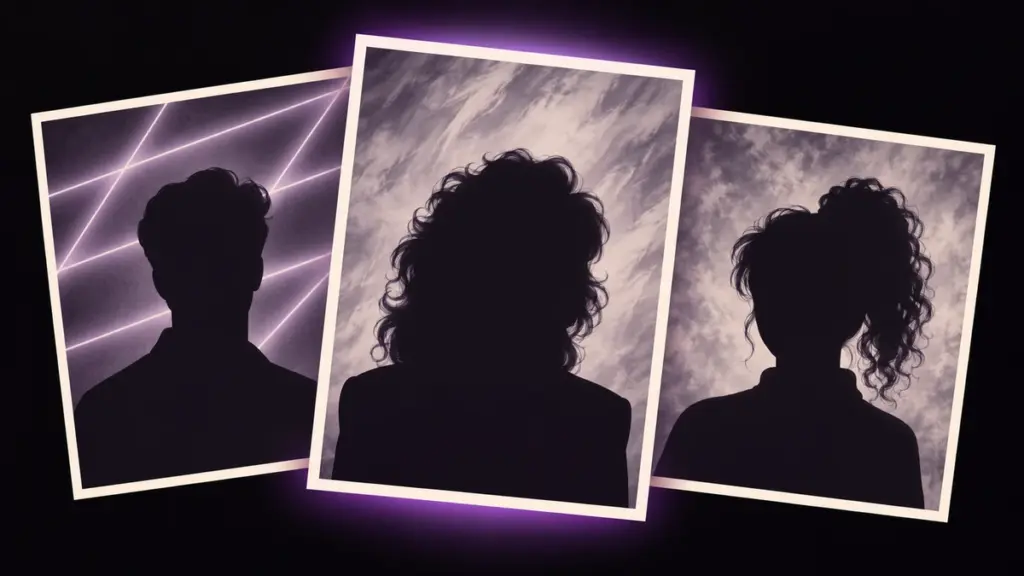
Paste one of the prompts below into ChatGPT, the Gemini app or Midjourney and attach your photo. The 90s look is not one look. It splits into a casual point-and-shoot snapshot with hard flash, a posed school or mall-studio portrait in front of a patterned backdrop, and the soft, slightly muddy frame of a home-video still. Pick one before you write the prompt. The prompts name no photographers, films, brands or celebrities, which also keeps the model from copying someone else’s picture. We found no primary source with usage figures for the trend.
Disclosure: Trendarium uses AI assistants when drafting pages.
The look in plain terms:
- Hair: center parts, slicked-back sides, face-framing strands, scrunchies, claw clips, short bobs, bleached tips.
- Clothes: baggy denim, flannel shirts, cropped knits, windbreakers in bright blocks, bucket hats, simple chokers.
- Light: harsh direct flash with a bright face and a dark background, or flat even studio light in a mall portrait booth.
- Color and film: slightly green or magenta tints, saturated reds and blues, visible grain, mild vignette, soft focus on the edges.
- Backdrops: a laser-beam or marbled studio backdrop, a bedroom wall with posters, a school gym, a backyard with a plastic table.
Which tool to use and what it costs
| Tool | Free? | Cheapest paid | Source |
|---|---|---|---|
| ChatGPT (image creation) | Yes, with an image limit OpenAI gives no number for | Go, $8 a month in the US; Plus, $20 | [1][8][9] |
| Gemini app (Nano Banana) | Yes, Nano Banana 2 with a daily quota Google gives no number for | Google AI Plus, $4.99 a month; AI Pro, $19.99 (US) | [10][2][11] |
| Midjourney | No free trial on the website or in Discord | Basic, $10 a month, or $96 a year | [3][4] |
Prices read on 26 November 2026, US dollars, taxes may apply. Plan details and limits are in AI photo trends and in our ChatGPT, Gemini, Nano Banana and Midjourney guides. For a recognizable face in Midjourney use the Edit Model, which takes up to 4 reference images; a plain Image Prompt only takes inspiration [12][13]. Private Midjourney output needs Pro ($60 a month) or Mega with Stealth Mode, used on the website, in bot DMs or on a private server, not in public Discord channels [3][14].
Copy-paste prompts for 90s photos
These prompts are our own wording and are untested, so results vary with the model version and your photo. Attach a clear, front-facing photo before you paste.
ChatGPT image creation
Use the photo I attached. Keep my face, age and expression recognizable, and turn it into a 1990s mall-studio portrait. Add a center-parted hairstyle that suits my real hair, a baggy denim jacket over a plain tee, and a colorful laser-pattern backdrop. Use even flash with a slight vignette, saturated reds and blues, a faint green tint and visible film grain. Vertical 4:5 portrait. No text, no logos, no watermark.Gemini app with Nano Banana
Edit the photo I uploaded and keep my face and proportions unchanged. Make it look like a point-and-shoot snapshot from 1997: direct flash that brightens my face and darkens the room behind me, a flannel shirt, a bedroom wall with a few blurry posters, slightly muddy color with a green tint, visible grain, a touch of motion blur. Portrait orientation. Do not add any writing.Midjourney, with your photo (Edit Model)
make this person look like a 1990s mall studio portrait, center part, baggy denim jacket, laser pattern backdrop, direct flash, saturated colors, slight green tint, film grain --ar 3:4Midjourney, text only (a described person)
1990s mall studio portrait of a young man in a baggy denim jacket, center-parted hair, colorful laser-pattern backdrop, direct flash, saturated reds and blues, faint green tint, visible film grain, soft vignette --ar 3:4On midjourney.com, attach your photo through the image icon in the Imagine bar. In Discord, add --edit and a link to the hosted image [12]. --ar 3:4 sets a vertical frame [12].
Three variations
Keep the rest of the prompt and swap in one of these lines.
School yearbook
Swap the setting for: a yearbook photo, mottled blue backdrop, head and shoulders, a plain sweatshirt, a neutral smile, even studio flash, slightly soft focus.Mall studio duo
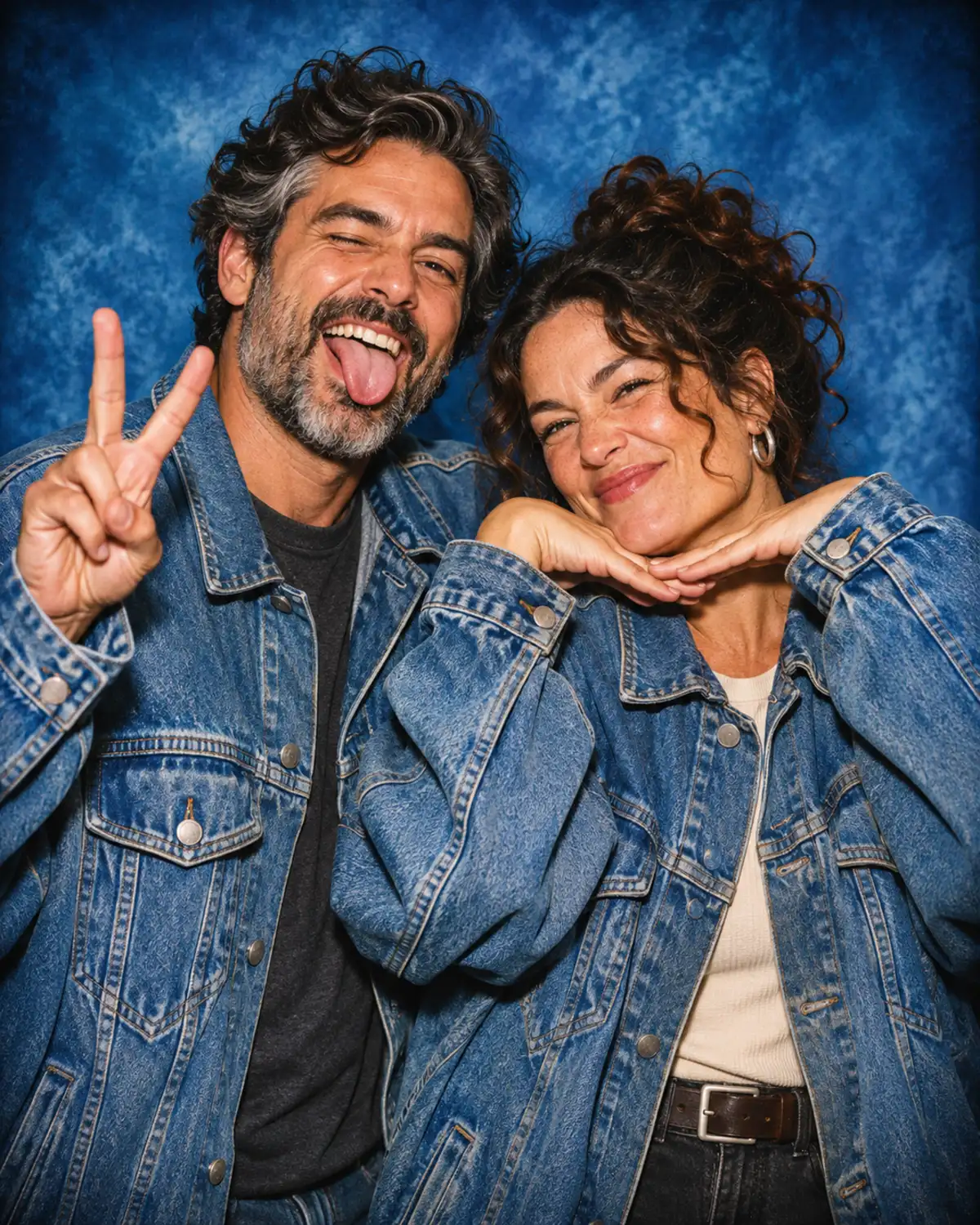
Swap the setting for: two friends posing close together in front of a marbled studio backdrop, matching denim, playful poses, even flash, glossy print look.Disposable camera party
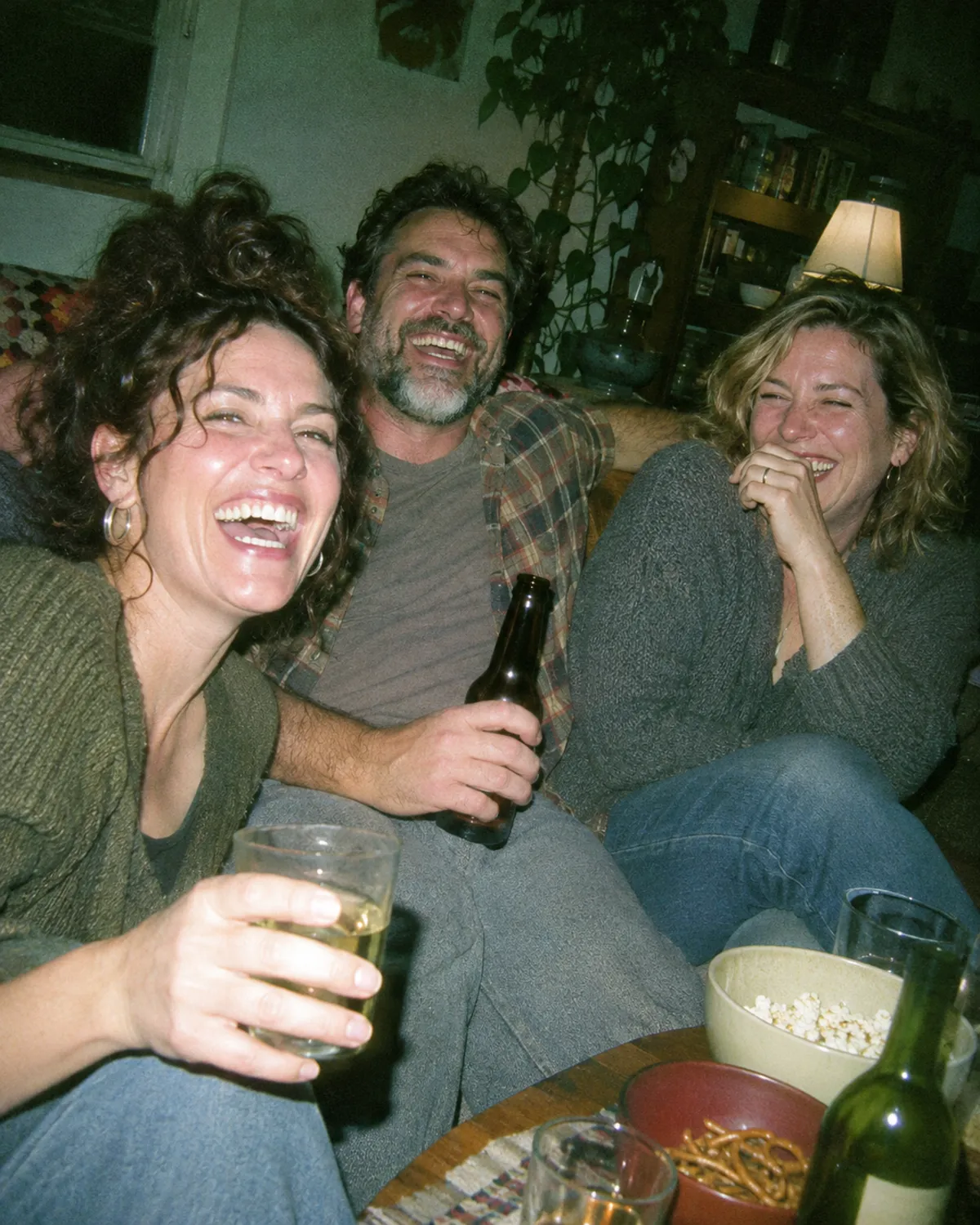
Swap the setting for: a candid party snapshot, hard flash, a cluttered living room behind, red-eye avoided, slightly crooked framing, strong grain.Examples
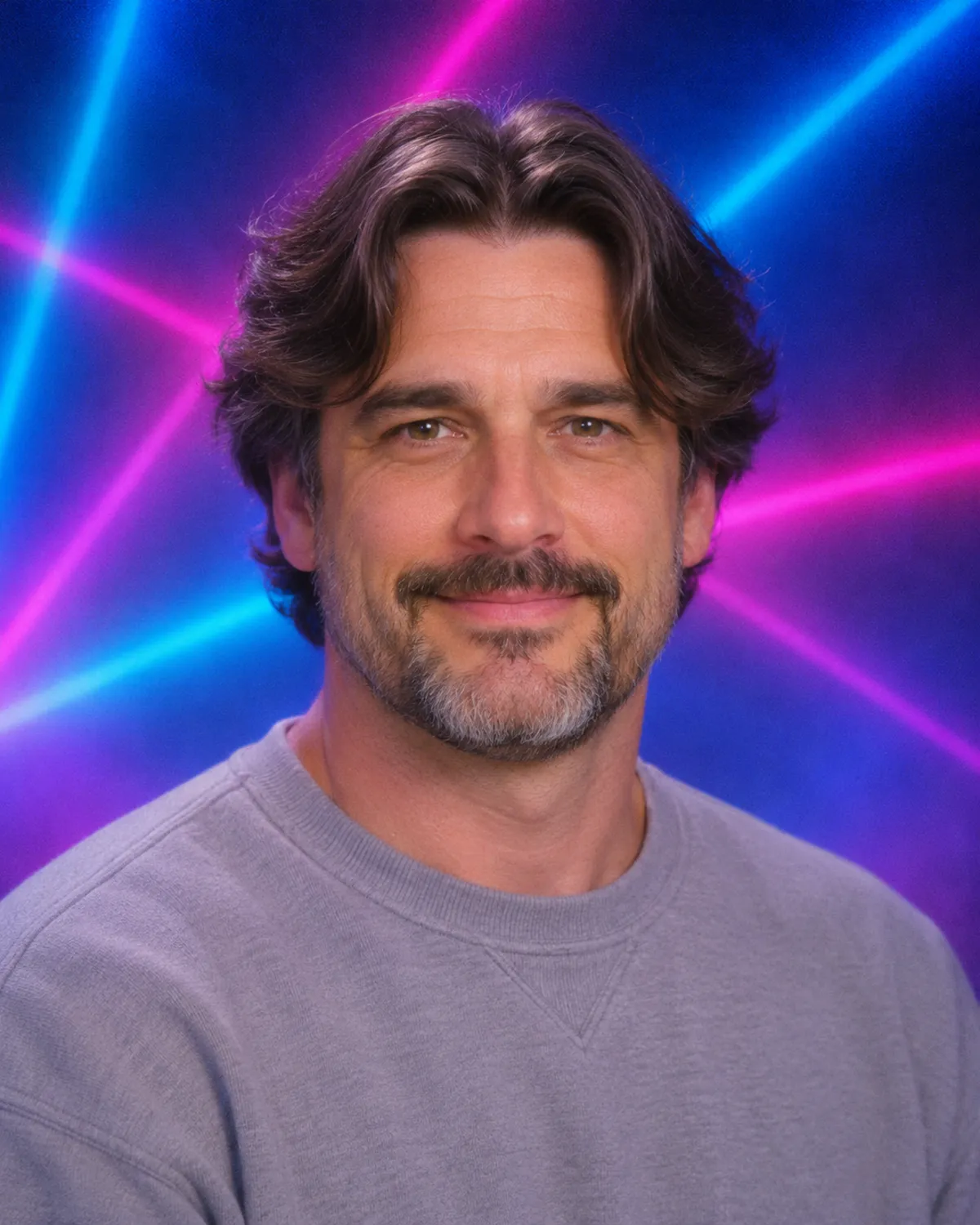
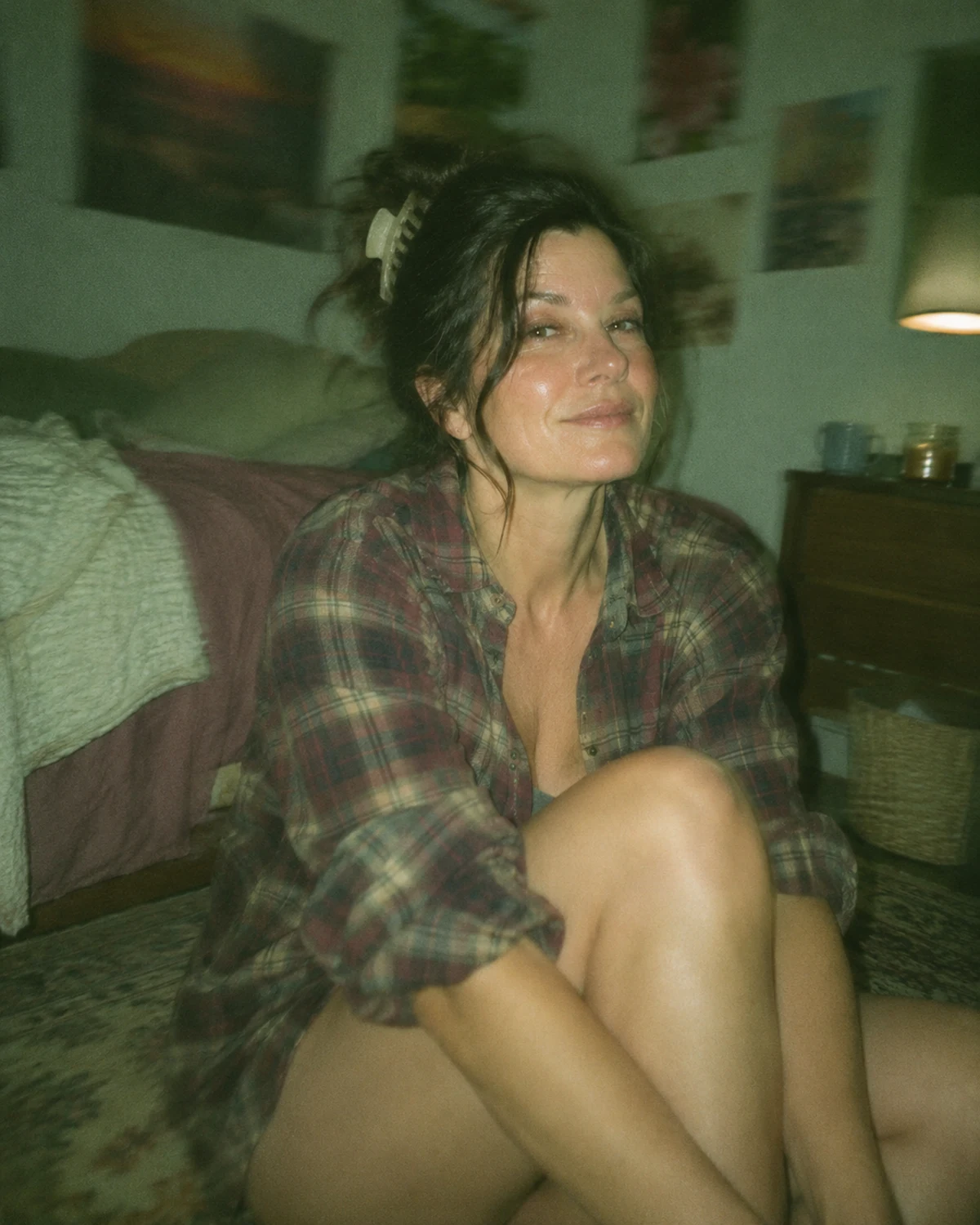
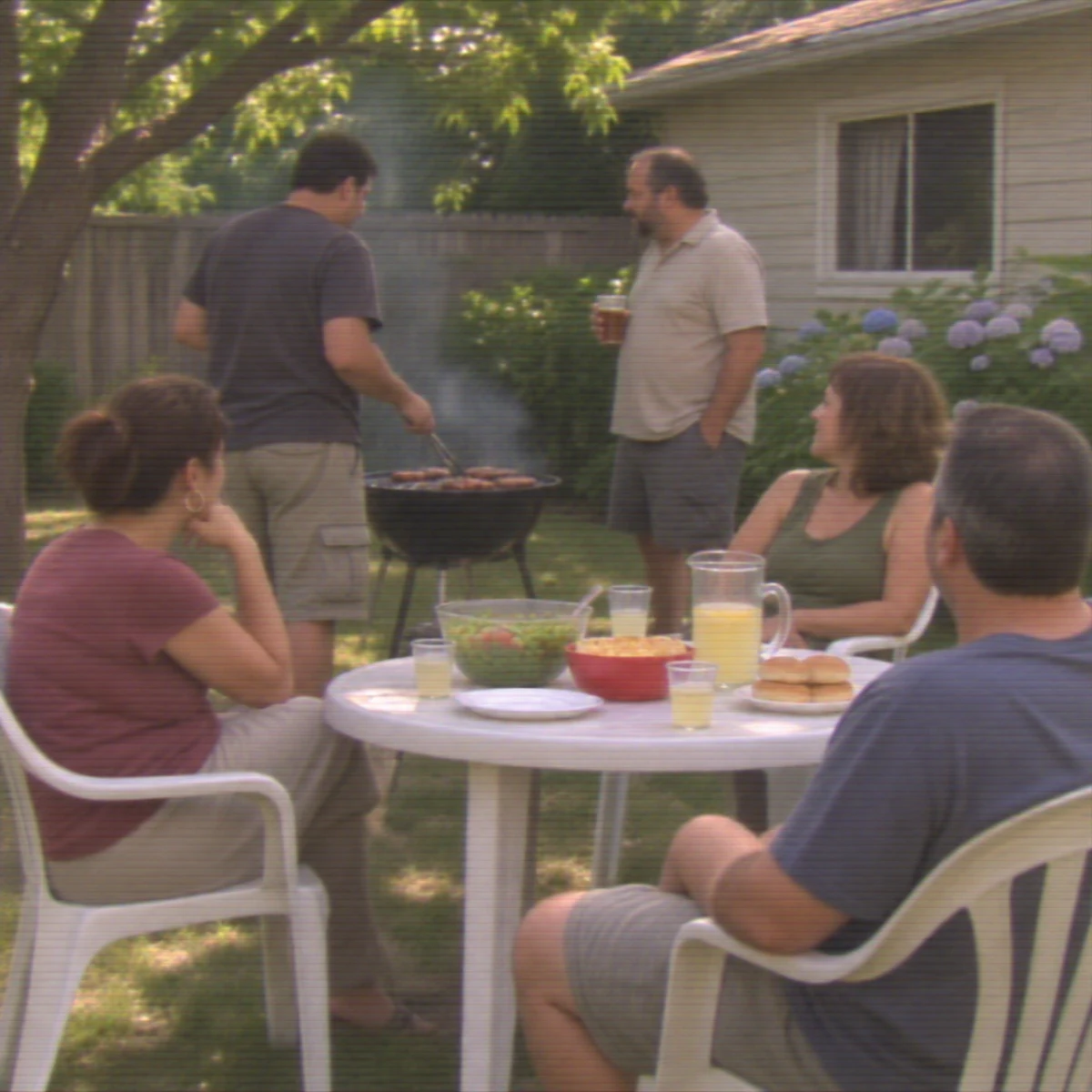
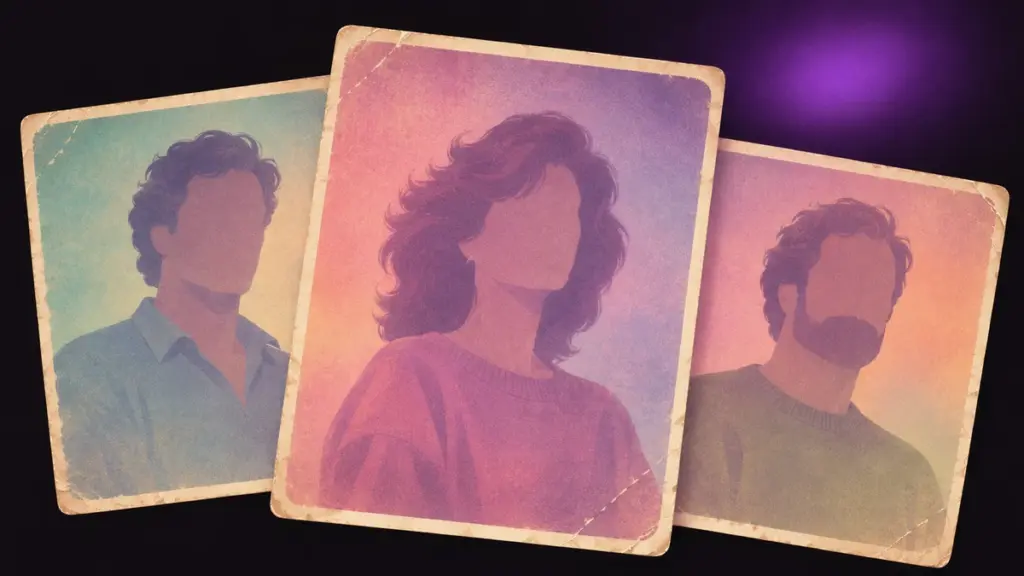
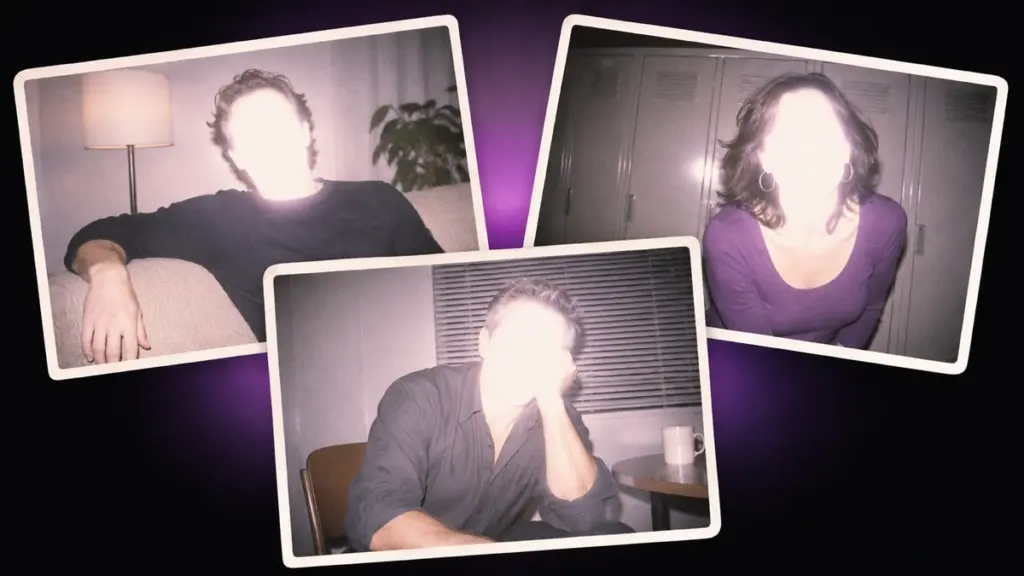
Five fictional examples made with an image model for Trendarium, not with the prompts above or the tools named on this page. None shows a real person.
Steps for each tool
ChatGPT. Open chatgpt.com and sign in. To keep the chat out of training, turn off “Improve the model for everyone” in Settings, Data controls, or start a Temporary Chat [15][5]. Attach a sharp, front-facing photo, paste the prompt and ask for one change at a time. Created images are saved under Images [16].
Gemini app. Open gemini.google.com. Editing an image needs an account aged 18 or over [2]. Choose “Create images” in the tools menu, upload your photo and paste the prompt [11]. “Redo with Pro” needs a Google AI plan [2][11]. Use a temporary chat or turn off the chat content setting to avoid training use [6].
Midjourney. Subscribe at midjourney.com; there is no free trial on the website or in Discord [4]. Attach your photo with the Edit Model, paste the prompt with --ar 3:4. The Edit Model works with versions 8.1 and 8.2 [12]. An SD Edit Model prompt costs about 1 minute of Fast time [17].
Tips for realistic results
- Choose snapshot or studio, not both. A hard-flash party shot and a clean mall portrait need different words.
- Add the flaws of a cheap camera: a slight tint, grain, uneven flash falloff. Clean, sharp skin is the quickest giveaway of an AI image.
- Describe the room as ordinary and name cuts and fabrics: baggy jeans, flannel, ribbed knit. Skip logos and slogans.
- Keep hands simple or out of frame, ask for a vertical 3:4 or 4:5 frame and say “no text”.
Midjourney says each image carries a hidden ID tag that midjourney.com/verify checks for free [18]. We did not check ChatGPT or Gemini.
Privacy: what happens to a photo you upload
A face photo is personal data. What each provider says on its own pages, read on 26 November 2026:
- ChatGPT: personal accounts may be used for training while “Improve the model for everyone” is on, the default. Turn it off or use a Temporary Chat [15][5].
- Gemini app: chats are used for training if the chat content setting is on [6].
- Midjourney: images are public by default. Stealth Mode needs Pro or Mega [14][7].
The full comparison, with retention and business accounts, is in AI photo trends. Our advice, beyond what the providers say:
- Upload only your own photo, or an adult’s with clear consent. Never upload children.
- Use a plain photo without documents, screens, house numbers or other people. Photos can carry location data; we did not check how each tool treats it.
- Turn off training use before you upload and delete the conversation afterwards.
- Do not post an AI image of a real person as if it were a real photo. Label it.
What we checked
On 26 November 2026 we read the OpenAI, Google and Midjourney help pages listed in Sources and compared our topics with the top Google US results for “90s ai photo trend”, partly from result snippets. Prices and limits match our ChatGPT, Gemini, Nano Banana and Midjourney guides, read the same day. We did not run the prompts in any tool, so we make no claim about result quality.
Other decades
80s style. Y2K style. For the full picture of how these trends work and which looks are around, see AI photo trends.
What changed
- 26 Nov 2026: page published.
FAQ
How do I make AI photos in 90s style?
Upload one clear, front-facing photo of yourself to ChatGPT, the Gemini app or Midjourney. Paste a prompt that names the era’s hair, clothes, light and film look, and tell the tool to keep your face recognizable. No photo? Describe a fictional person instead. Prompts for all three tools are on this page. Read 26 November 2026.
Are 90s AI photos free to make?
Partly. ChatGPT’s Free plan includes image creation with its own limit and no published number [1]. In the Gemini app, Nano Banana 2 is marked free with a daily quota Google gives no number for [2][11]. Midjourney has no free trial on its website or in Discord, and Basic costs $10 a month [3][4]. Read 26 November 2026.
Is it safe to upload my photo?
Check each setting first. ChatGPT personal accounts may train on your content unless you turn off Improve the model for everyone [15][5], and Gemini trains on chats if its content setting is on [6]. Midjourney images are public by default. Stealth Mode (Pro or Mega) hides them only on the website, in bot DMs or on a private server, not in public Discord channels [14][7].
Can I upload a friend, partner or child?
We advise against it. Use only your own photo, or another adult’s photo with their clear consent. Never upload children. Midjourney’s Terms say you must have permission from anyone depicted in content you upload to its Editor or Video tools [7], and Gemini image editing is not available to users under 18 [2]. Read 26 November 2026.
Why does the face look different from mine?
Image models redraw the whole picture, so faces drift. Upload a sharp, front-facing photo with even light, say ‘keep my face, age and expression recognizable’, and change only styling in the prompt. Then regenerate two or three times and keep the closest result. There is no guarantee, and we did not test how well each tool holds a face.
Can I make the picture without uploading a photo?
Yes. Describe an invented person instead. The Midjourney text prompt above works as it stands. In ChatGPT or Gemini, replace the first sentence with ‘Create a portrait of an adult woman or man in their thirties’ and keep the rest. Nothing of yours is uploaded, and no real person is depicted.
What makes a photo look 1990s?
Common 1990s photo cues are hard direct flash, baggy denim and flannel, center-parted hair, saturated color with a slight tint, visible grain and patterned studio backdrops. A mall or school portrait looks even and glossy, a snapshot looks harsh and uneven. This is our general description. Read 26 November 2026.
Can AI bring a photo to life?
Midjourney can animate one image into a 5-second video, extend it by 4 seconds up to 4 times, and works from the first frame you give it [19]. We did not check video in ChatGPT or the Gemini app for this page. Animating a real person’s photo raises the same consent questions as editing it.
Sources
- OpenAI Help Center, ChatGPT Free Tier FAQ, https://help.openai.com/en/articles/9275245-chatgpt-free-tier-faq, read 26 Nov 2026
- Gemini Apps Help, Create images with Gemini, https://support.google.com/gemini/answer/14286560, read 26 Nov 2026
- Midjourney Docs, Comparing Midjourney Plans (updated 3 Nov 2026), https://docs.midjourney.com/hc/en-us/articles/27870484040333-Comparing-Midjourney-Plans, read 26 Nov 2026
- Midjourney Docs, Free Trials (updated 10 Dec 2025), https://docs.midjourney.com/hc/en-us/articles/27870399340173-Free-Trials, read 26 Nov 2026
- OpenAI Help Center, How your data is used to improve model performance, https://help.openai.com/en/articles/5722486-how-your-data-is-used-to-improve-model-performance, read 26 Nov 2026
- Gemini Apps Help, Privacy notice and data use in Gemini Apps (answer 13594961), https://support.google.com/gemini/answer/13594961, read 26 Nov 2026
- Midjourney Docs, Terms of Service (updated 5 Nov 2026), https://docs.midjourney.com/hc/en-us/articles/32083055291277-Terms-of-Service, read 26 Nov 2026
- OpenAI Help Center, What is ChatGPT Plus?, https://help.openai.com/en/articles/6950777-what-is-chatgpt-plus, read 26 Nov 2026
- OpenAI, Introducing ChatGPT Go, https://openai.com/index/introducing-chatgpt-go, read 26 Nov 2026
- Google Gemini, Gemini subscriptions (US page), https://gemini.google/subscriptions/?hl=en, read 26 Nov 2026
- Google Gemini, Image generation overview, https://gemini.google/us/overview/image-generation/, read 26 Nov 2026
- Midjourney Docs, Edit Model (updated 24 Sep 2026), https://docs.midjourney.com/hc/en-us/articles/48495453462797-Edit-Model, read 26 Nov 2026
- Midjourney Docs, Image Prompts (updated 31 Aug 2026), https://docs.midjourney.com/hc/en-us/articles/32040250122381-Image-Prompts, read 26 Nov 2026
- Midjourney Docs, Stealth Mode (updated 25 Mar 2026), https://docs.midjourney.com/hc/en-us/articles/32019750070669-Stealth-Mode, read 26 Nov 2026
- OpenAI Help Center, Data controls FAQ, https://help.openai.com/en/articles/7730893-data-controls-faq, read 26 Nov 2026
- OpenAI Help Center, ChatGPT Images, https://help.openai.com/en/articles/11084440, read 26 Nov 2026
- Midjourney Docs, GPU Speed (Fast, Relax, Turbo) (updated 28 Aug 2026), https://docs.midjourney.com/hc/en-us/articles/32016412137741-GPU-Speed-Fast-Relax-Turbo, read 26 Nov 2026
- Midjourney Docs, Content Authenticity, https://docs.midjourney.com/hc/en-us/articles/48207461163661-Content-Authenticity, read 26 Nov 2026
- Midjourney Docs, Video (updated 31 Aug 2026), https://docs.midjourney.com/hc/en-us/articles/37460773864589-Video, read 26 Nov 2026
Read next
- AI photo trends: how these trends work, which tool fits, and all decade pages.
- AI photos in 80s style: same method for the 1980s.
- AI photos in Y2K style: same method for the Y2K and early 2000s.
- ChatGPT: plans, prices and limits: the full plan table, free limits and image allowance.
- Gemini: plans, prices and limits: Google AI plans that unlock Nano Banana 2.1 and Pro.
- Nano Banana: Google’s image models, API prices and where they are free.
- Midjourney: plans, prices and limits: GPU time, Edit Model and Stealth Mode.
Written by
Mike
Mike is the founder and editor of Trendarium. He writes about AI tools, games and consumer tech. Drafts are prepared with AI assistance; every price, date and claim is checked against the official source linked on the page, and each page shows when it was last updated.
Related hubs
Most read
- AI photo trends: which looks are popular, which tool to use and what it costs
- AI photos in 80s style: prompts for ChatGPT, Gemini and Midjourney
- AI photos in 90s style: prompts for ChatGPT, Gemini and Midjourney
- AI photos in Y2K style: prompts for ChatGPT, Gemini and Midjourney
- Google Pixel 11: prices, release date, specs and 7 years of updates
Latest
Nothing new in the last hour.
Nothing new in the last 24 h. Most recent:
- AI photo trends: which looks are popular, which tool to use and what it costs
- AI photos in 80s style: prompts for ChatGPT, Gemini and Midjourney
- AI photos in Y2K style: prompts for ChatGPT, Gemini and Midjourney
- UpdatedWednesday (Netflix): seasons, episodes, cast and where season 3 stands
- UpdatedPS5 Pro price by region, specs against PS5, GTA 6 and stock